


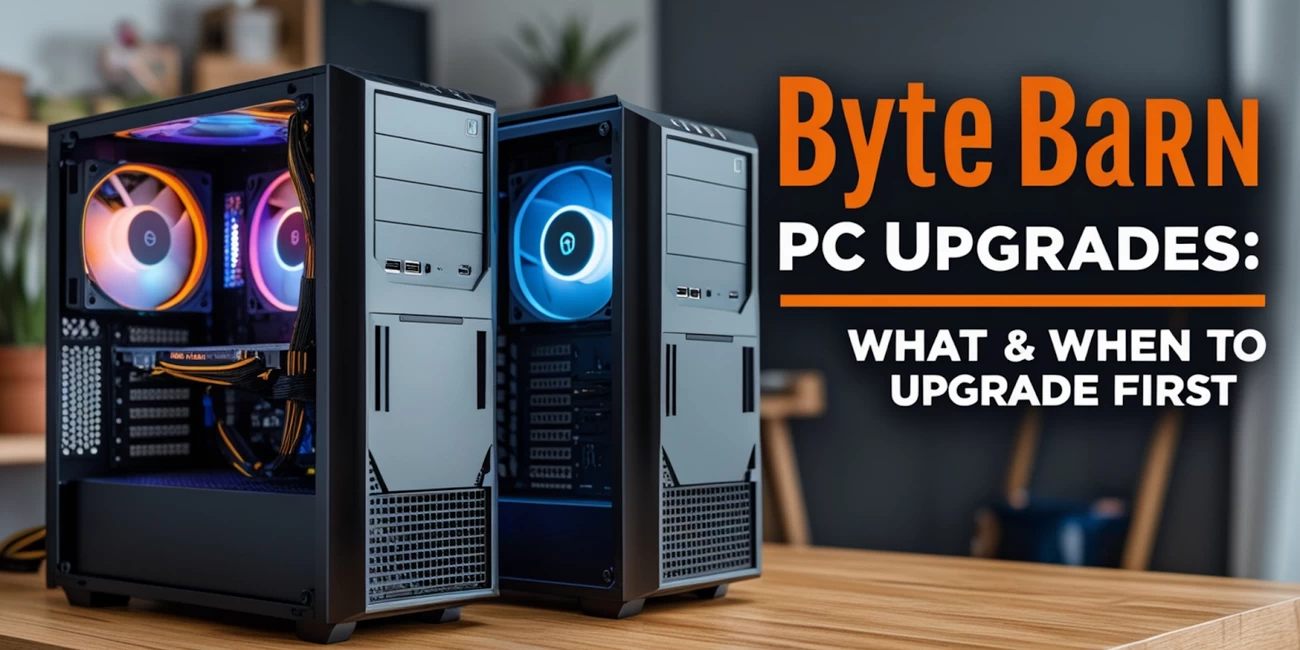
Byte barn PC Upgrades: What & When to Upgrade First
Step 1: Understand Your Current System
Before diving into any upgrades, get familiar with your PC’s existing specs. Look at:
CPU model (e.g. Intel i5 or AMD Ryzen 5)
RAM (capacity and type)
Storage setup (SATA SSD, NVMe SSD, HDD?)
GPU model
Motherboard details (upgrade compatibility, spare DIMM slots, extra SATA ports, M.2 slots, GPU clearance)
Power supply wattage
Knowing this will help you identify performance bottlenecks and what your PC can realistically support.
Tier 1 Upgrade: Storage & RAM – Best First Step
When: Right after purchase, or once your system feels sluggish.
Why:
Upgrading to an SSD from a mechanical hard drive gives your PC an instant speed boost—faster boot times, quicker game and app loading, and snappier performance overall.
Adding more RAM (e.g. bumping from 8 GB to 16 GB) improves multitasking, streaming, and gaming stability.
What to do:
Install a 256–512 GB SATA SSD (or NVMe if your system supports it).
If you’re running single-channel memory or one RAM stick, add a matching stick or go dual-channel for better performance.
Reddit tip: “SSD first, then RAM” is the golden rule for upgrading older prebuilts.
Tier 2 Upgrade: Graphics Card (GPU)
When: After you’ve sorted storage and RAM, or when you want better graphics performance.
Why:
Your GPU largely determines your frame rates, resolution settings, and rendering power. Upgrading to a newer model can dramatically improve gaming and creative workloads.
What to consider:
Is your PSU powerful enough (500–650W+ is ideal for mid-to-high-end GPUs)?
Will the new GPU fit in your case?
Do you have the right PCIe power connectors?
If your CPU is older, will it bottleneck the new GPU?
Example upgrade: GTX 1660 → RTX 4060 or RX 7700 XT
Tier 3 Upgrade: CPU, Motherboard & Platform Refresh
When: Once your current platform can’t keep up, or if you want the latest tech.
Why:
Upgrading your CPU gives you better performance in tasks like streaming, editing, compiling, and gaming. A full platform refresh (new CPU + motherboard) gives access to the latest features, like:
DDR5 memory
PCIe 5.0
USB-C, Thunderbolt support
Improved thermal performance
What to do:
Upgrade to a newer CPU (e.g. Ryzen 7/9 or Intel i7/i9) that's compatible with your motherboard—or replace the board too.
Upgrade to faster RAM (e.g. DDR5).
Check your case and cooling setup is up to scratch (you may need support for 125W+ CPUs).
Tier 4 Upgrade: Cooling, PSU & Peripherals
When: During or after Tier 3 upgrades, or if you want a quieter, more efficient system.
Why:
Upgraded cooling (air or liquid) improves temperature control and system lifespan.
A new, more efficient PSU (e.g. 80+ Gold) ensures stable performance.
Better fans, improved airflow, and quieter components make for a smoother experience.
Tier 5 Upgrade: Software, Networking & Maintenance
When: Any time after Tier 1.
Why:
Keeping BIOS and drivers up to date ensures maximum stability and speed.
Upgrading to Wi-Fi 6/6E or 2.5 Gb Ethernet improves online gaming and streaming.
Thermal paste reapplication and regular cleaning help maintain performance.
Sample Upgrade Scenarios
Scenario A: Light Office/Streaming Setup
Specs: Intel Core i3, 8 GB RAM, 500 GB HDD
Tier 1: Add SSD + bump RAM to 16 GB → Immediate performance boost
Tier 2: Add a mid-range GPU like the GTX 1650 or the RX 6500 XT
Tier 3: Upgrade to Ryzen 5 + new motherboard
Tier 4: Upgrade PSU, add better cooling, optional Wi-Fi card
Scenario B: Entry-Level Gaming PC
Specs: Ryzen 5 3600, 16 GB RAM, SATA SSD, GTX 1660
Tier 1: Already covered
Tier 2: Upgrade to RTX 4060/4070 or RX 7700 XT
Tier 3: Shift to Ryzen 7000 platform + DDR5 RAM
Tier 4: Enhanced cooling and PSU for new hardware
When to Stop Upgrading
At some point, upgrading becomes more expensive (and risky) than it’s worth. If you’re replacing the CPU, motherboard, RAM, GPU, PSU and cooling all at once—it’s likely time to start fresh with a new system. You’ll avoid compatibility issues and save yourself future hassles.
General Tips & Checklist
Extra Pointers:
Check BIOS/motherboard compatibility before upgrading CPUs.
Always confirm wattage and cable compatibility before installing a new GPU or PSU.
Reapply thermal paste when swapping CPUs.
Back up your data before major upgrades or clean installs.
Don’t mix old PSU cables with new hardware—they might not match.
Final Thoughts
Upgrading your Byte barn prebuilt PC is a smart, cost-effective way to keep your system competitive without replacing the whole machine.
By starting small—like upgrading storage and memory—then working your way toward GPU and CPU changes, you can enjoy better gaming, faster productivity, and a longer lifespan for your PC.
Remember: upgrade gradually, based on what’s holding you back, and always factor in compatibility. And if your upgrade list starts to look like a new build altogether—well, it might just be time for another Byte barn beast.
 Added to cart